

Qué veras en este artículo
A hybrid event is not an in-person event with a camera pointed at the stage. That confusion is why most so-called “hybrid events” during and after the pandemic left virtual attendees feeling like they were watching through a window instead of participating.
A well-designed hybrid event treats both audiences as first-class citizens, with specific experiences for each format that complement rather than ignore each other.
When a Hybrid Event Makes Sense
Not every corporate event needs to be hybrid. It makes sense when:
- Attendees are in multiple cities or countries and cannot travel but need to be present.
- The event has a training or information component that works equally well remotely.
- The budget does not cover bringing everyone together but you want maximum reach.
- The event has an external audience component (clients, press, community) that complements the internal in-person audience.
It does not make sense when the main goal is emotional connection, team building, or intensive networking. Those objectives require in-person attendance to work.
The Four Technical Elements That Must Not Fail
1. Dedicated and Redundant Internet
The venue’s connection is not enough. You need a dedicated line for streaming with at least 20 Mbps stable upload. If the event is critical, a backup (second line or 5G mobile data) is mandatory.
2. Cameras That Show the Room, Not Just the Stage
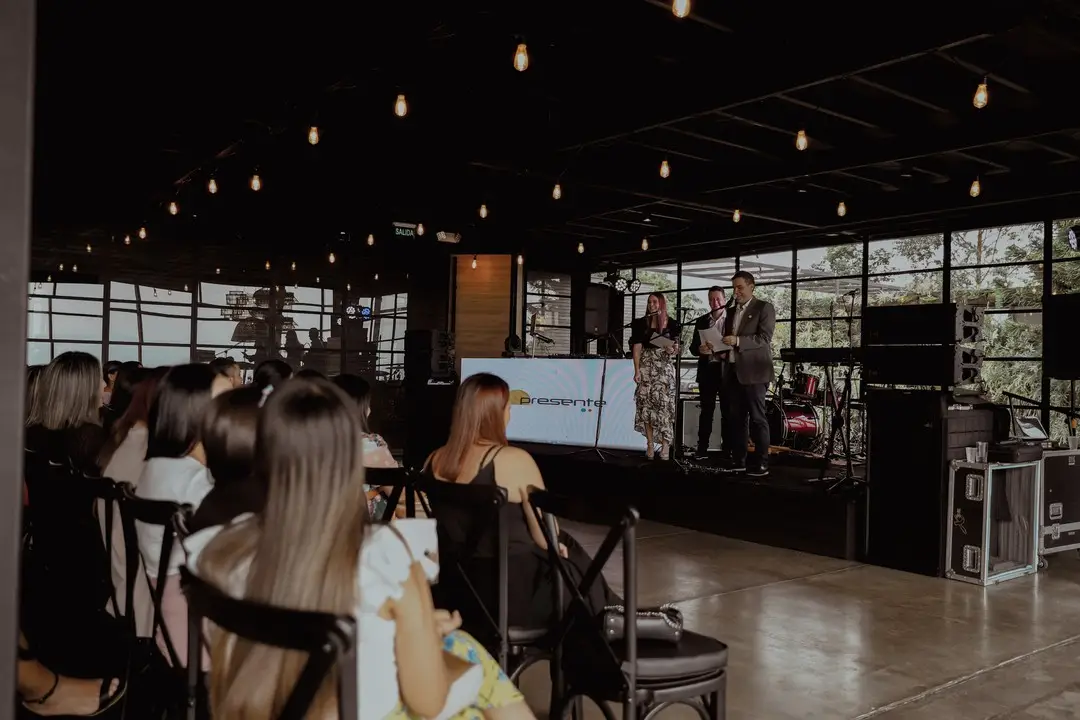
Virtual participants need to see the audience, reactions, and atmosphere. A single fixed camera on the speaker kills the experience. The minimum viable setup is three cameras: one on the speaker, one on the audience, one wide shot of the space.
3. Two-Way Participation Platform
Zoom, Teams, or specialized platforms that allow real-time questions, polls, and moderated chat. Without active participation, virtual attendees check out after 20 minutes.
4. Virtual Audience Moderator
A dedicated person managing the virtual audience: moderating chat, relaying questions to the speaker, solving connectivity issues. Without this role, the virtual audience is invisible.
Sample Half-Day Hybrid Event Agenda
| Time | In-Person | Virtual |
|---|---|---|
| 8:30 | Registration and coffee | Virtual waiting room with music and welcome screen |
| 9:00 | Joint opening | Same opening with room camera |
| 9:15 | Keynote | Streaming with chat questions |
| 10:15 | Coffee break + in-person networking | Virtual networking rooms (breakout by topic) |
| 10:45 | Panel discussion (mixed in-person and remote panelists) | Remote panelists on big screen alongside in-person ones |
| 12:00 | In-person lunch | Virtual closing with summary and recording available |
Additional Budget for the Virtual Component
Adding a hybrid component to an in-person event costs between approximately $2,000 and $6,250 USD, depending on technical complexity, number of cameras, and whether the streaming platform is basic or specialized. This investment pays off when you significantly expand the event’s reach.
Hybrid Event Platforms: Quick Comparison
| Platform | Best for | Virtual Networking | Monthly Cost |
|---|---|---|---|
| Zoom Webinar | Conferences and presentations | Basic (chat + Q&A) | $0 – $400 USD |
| Teams Live Events | Companies with Microsoft 365 | Basic (moderated chat) | Included in M365 |
| Hopin | Events with virtual expo and networking | Advanced (rooms, business matchmaking) | $1,000 – $10,000 USD |
| Airmeet | Networking and roundtables | Advanced (topic-based tables) | $500 – $3,000 USD |
| Whova | Conventions and conferences | Intermediate (forums, messaging) | $1,500 – $8,000 USD |
The platform is not the most important part of a hybrid event. We have seen flawless events on basic Zoom and disasters on $10,000 platforms. What makes the difference is production: audio quality, multiple cameras, and a virtual audience moderator who keeps people engaged.
How wink Can Help You
We produce hybrid events with specialized technical equipment and virtual audience moderation. Tell us about the format you have in mind.